
Retro pre-hydration shell
Launching CodeGrind...
Please wait while the desktop runtime restores your session and loads the app shell.
Startup progress
Retro pre-hydration shell
Please wait while the desktop runtime restores your session and loads the app shell.
Startup progress
Why CodeGrind Added a Shop Without Turning Practice Into a Paywall
A lot of learning platforms add a shop the lazy way. They build the core loop, then months later they bolt on a catalog that exists mostly to interrupt the core loop. We did not want that. The new CodeGrind shop exists because the platform now has enough surfaces worth customizing: the editor, the tower defense board, and the profile layer that sits around long-term progression. The point is not to make learning more expensive. The point is to give active users a place to shape the version of CodeGrind they spend time in every day.
by CodeGrind Team
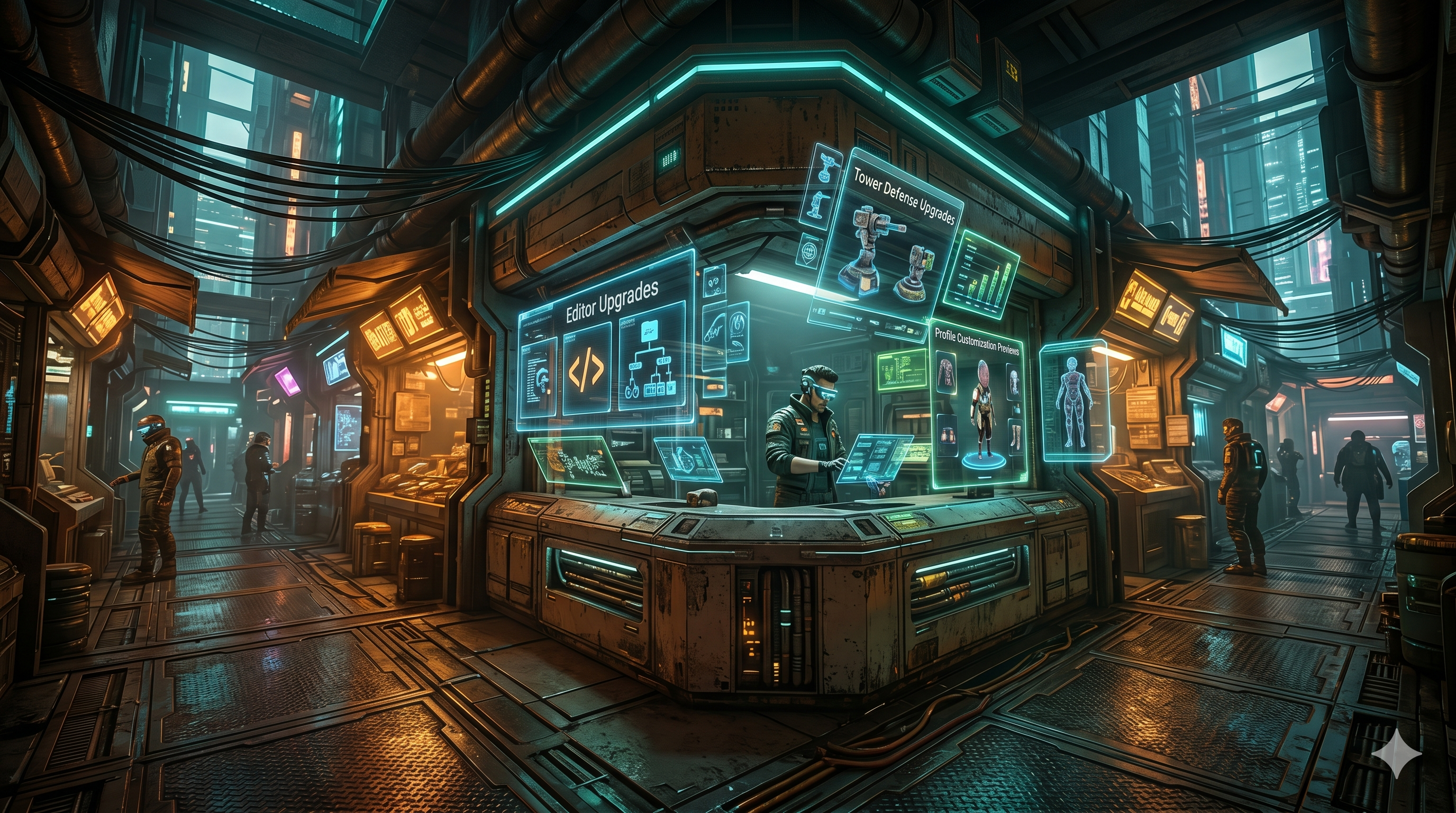
CodeGrind is no longer just a problem list with a game attached. There is a homepage demo shell, a full tower defense mode, guided learning paths, public profiles, and now a city layer that treats different product surfaces like places instead of tabs. Once the platform starts feeling like a world instead of a worksheet, customization stops feeling ornamental and starts feeling native.
That is the real reason the shop exists. It gives players a progression surface for the parts of the experience they actually stare at while practicing: editor themes and fonts, tower defense board and effect packs, and profile presentation upgrades. Those are the kinds of choices that make repeated practice feel more personal without changing the fact that the real work is still solving problems.
The current store is organized into Editor Upgrades, TD Upgrades, Profile Upgrades, and a combined preview mode that lets you see the pieces together. In plain English, that means you can browse coding-surface changes, game-surface changes, and profile presentation changes from one place instead of hunting through settings screens.
The store flow is more than a static catalog. It has filters, sorting, quickslots, cart state, preview controls, and equip flows designed for people who want to try combinations before they commit. That matters because customization only feels good when the preview loop is fast. If users cannot see the effect of a choice immediately, the shop becomes bookkeeping. The Packet Bazaar is designed to feel interactive instead of transactional.
The city map gave us the right framing for a store. On District 01, the shop is not a random modal or a floating badge in the corner. It is Packet Bazaar, a place you can actually walk into from the Neon Docks Street scene. That sounds cosmetic, but it changes how the feature lands. It feels like a destination inside the product instead of an ad unit stitched on top of it.
More importantly, the city keeps the store honest. The same street loop that takes you to the bazaar also takes you to the contractor office for missions and the module guide studio for learning. In other words, the shop sits beside the practice loop, not above it. That is the right hierarchy. Practice stays primary. Personalization becomes part of the world around it.
The existence of a shop does not change the basic deal of the platform. Problems, lessons, clusters, and the core learning flow are still the product. The shop is there for people who want to tune the surrounding experience, not for people trying to unlock the right to learn.
That distinction matters because educational products damage themselves when monetization starts dictating access to the material. We would rather have a store that deepens attachment for the people already showing up than a store that interrupts the people still deciding whether they trust the platform. The Packet Bazaar should feel like a layer of ownership around practice, not a toll booth in front of it.
Right now the store is organized around editor upgrades, tower defense upgrades, profile upgrades, and a combined preview mode so you can see how pieces fit together before equipping them.
Yes. District 01 includes Packet Bazaar as a walkable destination from the street scene, and the store route is wired from that in-world hotspot.
No. The learning and practice surfaces remain the core product. The shop exists to support personalization around those surfaces, not to gate the ability to practice.
The Hello World tower defense demo runs right on the home page. No signup, no install, just open it and play.