
Retro pre-hydration shell
Launching CodeGrind...
Please wait while the desktop runtime restores your session and loads the app shell.
Startup progress
Retro pre-hydration shell
Please wait while the desktop runtime restores your session and loads the app shell.
Startup progress
Why CodeGrind Built a City Map You Can Actually Walk Through
One of the biggest limits on most coding platforms is that every important action happens through the same flat pattern: click a tab, load a page, repeat. That is efficient, but it does not create any sense of place. CodeGrind now has the beginning of a different answer. The new city map lets you walk through District 01, moving from an apartment safehouse onto the street and into different destinations that map to real product surfaces. It is navigation, but it is also atmosphere.
by CodeGrind Team
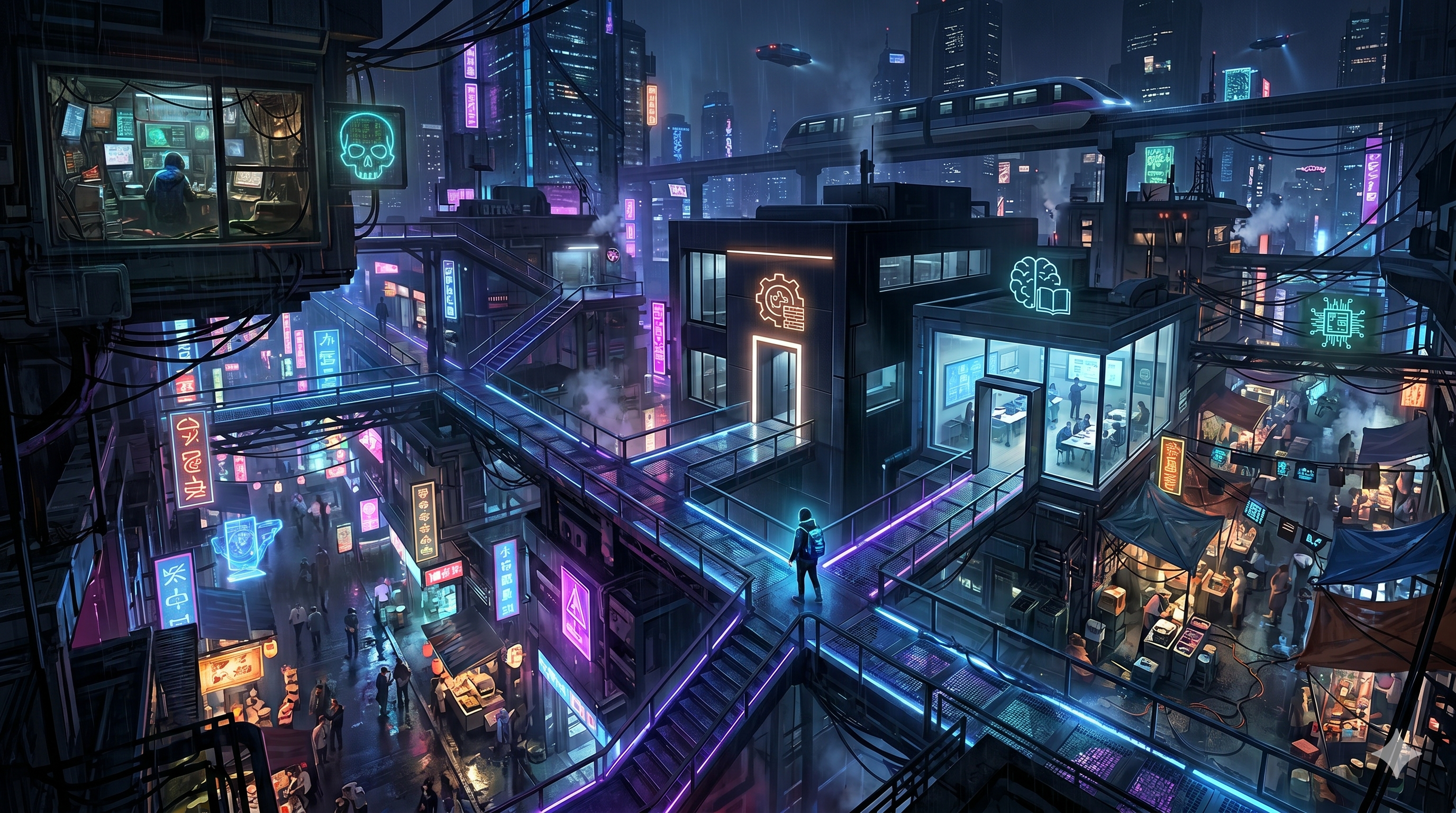
Menus are good at being clear, but they are bad at making a product feel inhabited. When learning, missions, profile, store, and progression are all presented as equivalent links, the platform can feel like a toolkit rather than a world. That is fine for pure utility. It is not enough for a product trying to make practice feel memorable.
A city layer changes that by giving movement context. You do not just open the store. You leave the safehouse, cross Neon Docks Street, and enter Packet Bazaar. You do not just click into learning. You walk into the Module Guide Studio. Those are still routes underneath, but the route has a place wrapped around it now, and that small shift changes how the whole platform reads.
The current District 01 loop starts in the Apartment Safehouse, moves out to Neon Docks Street, and branches into three early destinations: the Array Fixer Office for mission and cluster routing, Packet Bazaar for the store, and the Module Guide Studio for learning-path entry. That is already enough to prove the idea, because the core product areas are no longer isolated screens.
The map data is not vague concept art either. It already defines walk bounds, exits, hotspot zones, travel transitions, scene art, and avatar states. The platform knows where the player starts, where they can move, and which destination should launch when they interact with a scene hotspot. That is what makes this feel like a foundation instead of a mockup.
Walking gives the user a moment between contexts. That pause is useful. It turns “I am switching pages” into “I am going somewhere.” On a platform built around repeated practice, those small transitions help the product feel less like administrative work and more like a place you return to.
It also creates room for the platform to grow without feeling chaotic. A city can add new districts, offices, vendors, instructors, and mission boards while preserving a mental model people already understand. That is easier to scale than an ever-expanding top nav full of increasingly abstract labels.
The best thing about the current city implementation is that it does not try to replace proven routes. The contractor office still bridges back into clusters. The learning studio still routes into learning. The bazaar still routes into the store. The city shell adds immersion and continuity around the existing product instead of forcing a rewrite of every path people already know.
That additive approach is the reason the feature is worth shipping early. We do not need the entire world finished before the first district is useful. District 01 already gives users a stronger sense of place, a stronger link between major product surfaces, and a better foundation for future content. That is enough to matter right now.
District 01 currently includes the Apartment Safehouse, Neon Docks Street, the Array Fixer Office, the Module Guide Studio, and Packet Bazaar, each tied to a real navigation outcome or product surface.
No. The scenes already define exits, walk bounds, hotspot interactions, travel transitions, and route actions that connect to learning, missions, and the store.
Not at this stage. The city is additive. It gives the platform a more immersive navigation layer while still routing into the same proven product surfaces underneath.
The Hello World tower defense demo runs right on the home page. No signup, no install, just open it and play.